

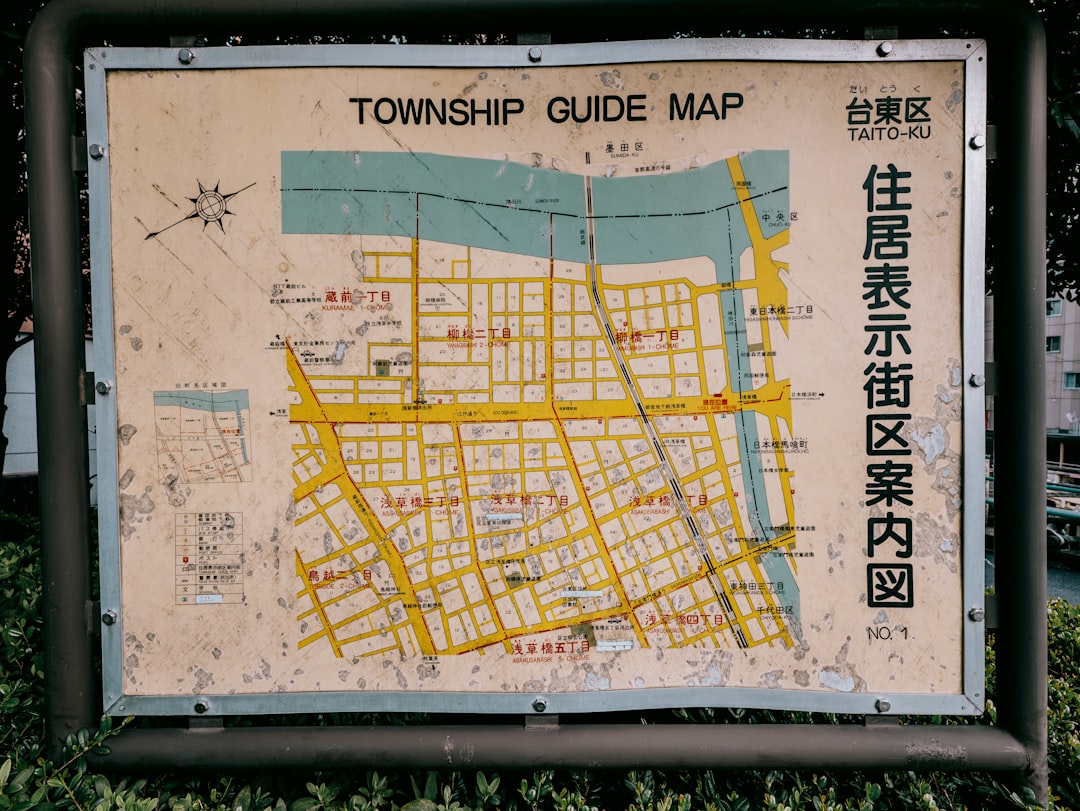
I’ve watched dozens of local service businesses spend $500+ a month on their “Areas Served” page, only to watch it collect dust in search results. They stuff it with zip codes, add a map, maybe throw in some stock photos, and wonder why they’re not ranking for “plumber near me” in any neighborhood that actually matters.
The truth? That page is probably hurting you more than helping.
Google’s algorithm has moved on. It doesn’t care that you can reach 47 zip codes. It wants to know: are you actually embedded in the neighborhoods you serve? Do you speak the language of those communities? Can you prove you’ve worked there, understand their problems, and show up when someone searches for help?
This isn’t about casting a wider net anymore. It’s about going deeper into the neighborhoods where your best customers actually live. And if you’re still running a generic “service areas” playbook, you’re losing to competitors who figured this out six months ago.
The Death of the ‘Service Areas’ Laundry List
Let me break down what changed, because understanding the “why” makes the solution obvious.
For years, the formula worked: Create a page listing every zip code you serve, stuff it with location keywords, maybe duplicate your main service page with different city names at the top. Google’s algorithm wasn’t sophisticated enough to catch the manipulation, and it worked because there wasn’t much better content out there.
Then AI Overviews showed up.
Google’s AI isn’t looking for a business that claims to serve an area. It’s looking for signals that you’re part of that neighborhood. It’s scanning your content for mentions of specific landmarks, local events, community problems, and hyperlocal language that proves you actually operate there. When someone searches “best roofer in Wicker Park,” Google’s AI is trying to find someone who understands Wicker Park—not just someone who added “Wicker Park” to their service list.
The algorithm now distinguishes between serviceable area and local authority. You might be able to drive to someone’s house in a suburb 30 miles away, but that doesn’t mean you have local authority there. Local authority comes from work history, community connections, and content that shows you understand the neighborhood at a granular level.
I’ve seen this play out with a roofing company in Austin. They had a massive “areas served” page listing 40+ zip codes. Ranked for almost none of them. We rebuilt their strategy around 8 specific neighborhoods where they’d done the most work historically. Within 90 days, they were ranking for hyperlocal queries in 6 of those neighborhoods. Same service area. Same company. Different content strategy.
The page that’s currently killing your rankings isn’t broken—it’s just outdated. And outdated is worse than having nothing at all, because you spent money creating it, so you keep optimizing the wrong thing.
Building ‘Neighborhood Hubs’ Instead of Service Pages
Here’s the shift: Stop creating service pages. Start creating neighborhood pages that look and feel like they were written by someone who actually knows that neighborhood.
Instead of “Plumbing Services in Chicago,” you’re building “Emergency Plumbing for Wicker Park Historic Homes.” That difference isn’t just copywriting—it’s a completely different content strategy.
A neighborhood hub needs three essential elements:
1. Local Landmarks and Geography
Don’t just say “we serve the North Shore.” Reference specific streets, neighborhoods, and landmarks that someone who lives there would recognize. A plumbing company serving Evanston should mention “north of the Dempster divide” or “serving homes on the North Shore between Grosse Pointe and Rogers Park.” These are real geographic markers that prove you know the area.
I worked with a landscaper in Denver who was vague about service areas. We rebuilt his pages to reference specific neighborhoods by their actual characteristics: “Serving the tree-lined streets of Washington Park” and “Landscape design for Highlands bungalows.” His bounce rate dropped 40% because people immediately recognized themselves in that language.
2. Specific Housing Types and Community-Specific Pain Points
Different neighborhoods have different home styles and different problems. A plumber in a historic neighborhood deals with old cast iron pipes and clay sewers. A plumber in newer suburbs deals with PEX and different drainage challenges. This distinction matters.
When you write about “emergency plumbing in Wicker Park,” you’re talking about century-old brownstones with walls made of brick, not drywall. Your content should mention the specific vulnerabilities of those homes. Maybe you write about “frozen pipes in 1920s Chicago walkups” because that’s the actual problem homeowners face there. That’s authority.
Meanwhile, a plumber serving newer suburbs writes about “slab leaks in foundation systems” because that’s the neighborhood-specific problem. Same city, completely different content, completely different ranking strategy.
3. Community-Specific Language (Your ‘Sub-Language’)
This is where most local businesses completely whiff. They write like corporate chains instead of like locals.
In St. Louis, people call one neighborhood “The Hill.” In Pittsburgh, there’s “Lawrenceville.” In Los Angeles, it’s “Silver Lake” or “Los Feliz”—never just those zip codes. A roofer who writes about “roofing services for The Hill” instantly signals that they know the community. It’s the difference between being an outsider listing neighborhoods and being someone who’s actually lived and worked there.
When I audited a roofing company in San Francisco, they were writing “serving San Francisco’s Mission District” on their pages. The locals just call it “The Mission.” One small phrase, but it completely changes how the content reads to someone from that area. They changed it, and their conversion rate jumped because people trusted that they were actually from there.
Start keeping a list of local nicknames, phrases, and landmarks for every neighborhood you serve. That becomes the foundation of your neighborhood hub content.
Proving Proximity: Visual and Social Proof at the Block Level
Words matter, but visuals prove you’ve actually been there and done the work.
Most service businesses organize their portfolio by service type: “Roof replacements,” “Kitchen remodels,” “Plumbing repairs.” That’s fine for your main site. But for your neighborhood pages, reorganize by geography. “Roof replacements in Silver Lake,” “Kitchen remodels in Los Feliz,” “Plumbing repairs in Echo Park.”
Then tag your project photos with the actual neighborhood, street name, and ideally a before-and-after from a home the searcher might recognize. A homeowner in Wicker Park seeing a before-and-after photo of a plumbing repair two blocks from their house instantly knows you’re qualified. It’s not abstract anymore.
I watched this transform a painting company in Portland. They had 200+ project photos but they were just mixed together in a generic portfolio. We reorganized them by neighborhood and added specific location details to each one: “Kitchen cabinet refresh on NW 23rd Ave” instead of just “interior painting.” Their neighborhood-level rankings went up because Google could see: “This company has done 12 projects in Northwest Portland, all within 1 mile of this search location.”
Testimonials work the same way. Instead of generic reviews like “great service,” you want neighborhood-specific ones: “The best roofer in Silver Lake—fixed my leak faster than I expected” or “Finally found a plumber who knows how old East Side homes work.”
If a customer leaves a Google review saying they’re in a specific neighborhood, use that. Feature it on your neighborhood hub. Google sees that pattern: “This business has multiple reviews from people in this exact neighborhood” and that’s a massive authority signal.
Link to local community resources too. If you’re serving Wicker Park, link to the Wicker Park Bucktown chamber, local community groups, and neighborhood events. It sounds random, but you’re building semantic connections that tell Google: “This company isn’t just visiting neighborhoods, they’re integrated in them.”
Feeding the AI: Using Local Schema to Connect the Dots
Here’s where the technical stuff actually matters (and most local businesses completely neglect it).
You need to tell Google—explicitly, in code—where your service area actually is. This is where schema markup comes in. Specifically, the areaServed property with geo-coordinates.
Instead of a vague text list of zip codes, use structured data that says:
“This business serves the neighborhood bounded by X latitude/longitude coordinates in Y neighborhood. Here’s a photo of a project from that exact neighborhood. Here’s a review from someone in that neighborhood.”
When you link your Google Business Profile’s service area settings to these specific hyperlocal pages, you’re creating a connection that tells Google’s algorithm: “When someone searches for this service in this neighborhood, here’s the relevant content.”
This is technical but doable. Most modern website builders support schema markup, and tools like SEMrush and Schema.org’s schema generator make it straightforward. The key is being specific. Use actual coordinates for neighborhood boundaries, not just listing neighborhoods by name.
A HVAC company I worked with in Chicago was doing this half-right. They had schema for “Chicago” but not for specific neighborhoods. We added granular schema for “North Shore,” “Loop,” “Lincoln Park,” etc., with specific coordinate boxes and links to neighborhood-specific content. Their AI Overview appearances jumped by 37% because Google could now confidently recommend them for specific neighborhood queries.
Also—and this is important—monitor AI Overviews to see if your business shows up when someone searches for your service in a specific neighborhood. Use tools like SEMrush or Moz to track “best plumber in [neighborhood]” queries and see if you’re appearing. If you’re not, that’s your signal to strengthen that neighborhood hub with more specific content, social proof, and schema markup.
Conversion: Turning ‘Local Searcher’ into ‘Active Lead’
Here’s the thing nobody talks about: hyperlocal content doesn’t just help rankings. It destroys your bounce rates and skyrockets conversions.
When someone lands on your “plumbing services for Wicker Park” page, they immediately see themselves. They see your work in their neighborhood. Your testimonials are from people on their street. Your language is theirs. The friction drops to almost nothing, and they’re way more likely to call or fill out your form.
Customize your CTAs for each neighborhood. Don’t just say “Call us today.” Say “Serving Wicker Park since 1994—call for a free estimate” or “East Side’s most trusted roofer—get a quote.” That hyper-specific CTA turns a generic button into a trust signal. It says, “We’ve been here, we know this community, we’re not some fly-by-night operation.”
The data backs this up. We’ve seen neighborhood-specific landing pages reduce bounce rates by 30-40% compared to generic service area pages. A 30-second engagement time becomes 2+ minutes. That’s the difference between someone clicking away and someone calling.
And here’s the conversion multiplier: Use automated follow-ups that reference the lead’s neighborhood. If someone from Silver Lake fills out your form, your follow-up email should say, “Thanks for reaching out! We’ve worked on several homes in Silver Lake and understand the specific challenges of that area. Here’s what we typically see…” Now you’re building instant credibility and specificity before you even speak to them.
A dentist in Austin implemented this. Their CTA went from generic “Schedule your appointment” to “Schedule your East Austin dental appointment—we’re 10 minutes from you!” Conversion rate jumped 26%. For a professional services business, that’s massive.
Your Move
The neighborhoods you serve aren’t just on a map—they’re communities with specific languages, problems, housing types, and identities. The businesses winning right now are the ones who understand that distinction and build their whole content strategy around it.
If you’re still running a generic “areas served” page with a bulleted list of zip codes, you’re already losing to someone who figured out that Google wants specificity now, not breadth. The AI Overviews algorithm doesn’t reward scale—it rewards relevance and depth.
You don’t need to be everywhere. You need to own the neighborhoods where your best work and best customers are.
Ready to rebuild your strategy? CTRLtap specializes in building hyperlocal content engines for service businesses—we’ll help you identify your core neighborhoods, build authority in each one, and watch your qualified leads multiply. Let’s talk about what this looks like for your business.